

Building a Custom Event Activation Web App for the 10th Anniversary of DÚK
The DÚK 10 let app was created for the 10th anniversary event of Doprava Ústeckého kraje.
The goal was to build a custom event activation app that could support visitor engagement during the event, collect survey responses, and connect the experience with a lucky wheel.
Instead of using a basic form or generic survey tool, the project required a tailored web application designed for a real physical event environment, a large tablet setup, and controlled prize inventory.
The final application combined survey collection, a lucky wheel, inventory-aware prize logic, local recovery storage, remote Google Sheets synchronization through Apps Script, and multiple failsafes into one smooth event flow.
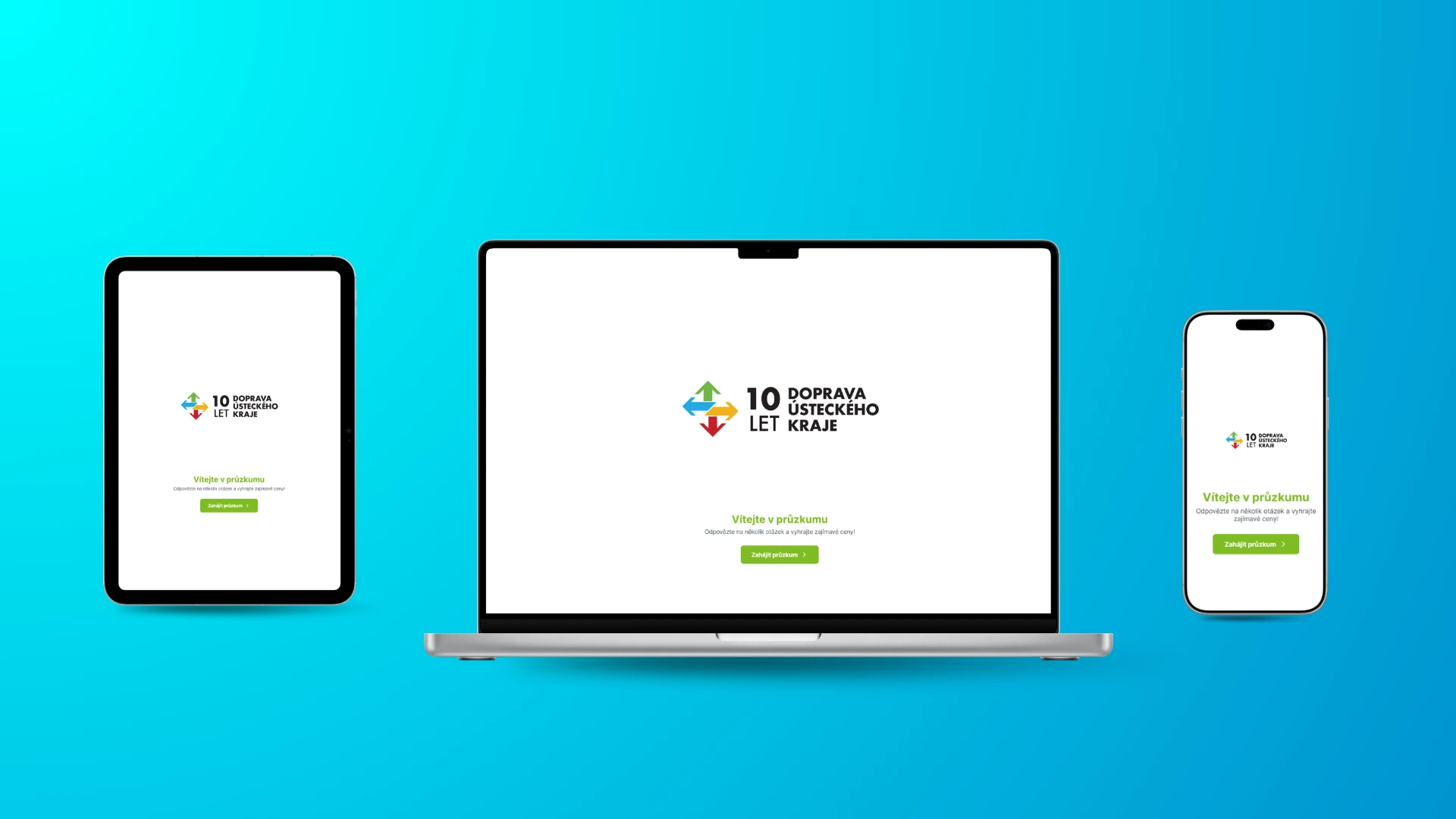
The Challenge
Event activations need to feel simple for visitors but reliable for organizers.
Visitors should be able to walk up to the device, answer a few questions, spin the lucky wheel, and immediately see what they won. Behind the scenes, however, the system has to handle data, prize availability, probabilities, saving, recovery, and error states correctly.
For the DÚK anniversary event, the app needed to work reliably in a public event setup, including on a large 1920x1080 Android tablet.
The challenge was to create an application that could:
- run smoothly as a web app in a tablet-first event setup
- present a clear survey flow
- save visitor responses reliably
- move users into a lucky wheel experience
- calculate prize results based on available gift quantities
- prevent unavailable prizes from being selected
- handle exhausted prizes gracefully
- store data locally for recovery
- synchronize data remotely into Google Sheets through Apps Script
- include failsafes for real-world event usage
- feel polished enough for a public event
The app had to be simple on the surface, but robust enough to support real event operations.
The Solution
I built a custom event activation web app using Expo and React Native.
The application was designed around the full visitor journey: survey, lucky wheel spin, prize result, and reliable data saving.
The survey collected responses from visitors first. After completing the survey, users moved into the gamified part of the experience — a lucky wheel that selected a result based on the available prize inventory.
The prize logic was not random in a naive way. It had to respect the real quantity of available gifts so that prizes could be distributed across the event without running out too early.
The system also included local data storage for recovery and remote saving into Google Sheets through Apps Script. This gave the event team a stronger safety layer: if something went wrong with the remote connection, the data could still be preserved locally and recovered later.
Survey Flow
The first part of the experience was the survey.
The survey had to be clear, fast, and usable in a public event environment. Visitors were not expected to spend a long time filling in complex forms, so the interaction needed to stay simple and focused.
The survey flow was designed to:
- collect useful visitor responses
- keep the interaction quick
- work well on a large tablet screen
- guide users naturally to the next step
- avoid unnecessary friction
- prepare the collected data for local and remote saving
Once the survey was completed, the app moved the user directly into the lucky wheel experience.
Lucky Wheel
The second part of the app was the lucky wheel.
This turned the survey into a more engaging event activation. Instead of simply submitting a form, visitors could spin the lucky wheel and receive a prize result.
The lucky wheel helped make the interaction feel more playful and memorable while still supporting the event’s practical goal: collecting responses and distributing prizes.
The lucky wheel was designed to work as part of one connected flow:
survey completion, lucky wheel spin, prize result, local save, remote sync, and final result screen.
Prize Inventory Logic
One of the most important parts of the project was the prize logic.
The app needed to work with a real list of gifts and available quantities. That meant the lucky wheel could not simply select any prize at random without considering inventory.
The logic had to account for:
- available prize quantities
- probability distribution
- exhausted prizes
- result saving
- fallback states when a prize was no longer available
- protection against selecting unavailable prizes
If a prize was unavailable or exhausted, the app had to handle that state properly instead of creating a broken or misleading result.
This made the application more reliable for real event usage, where prize stock matters.
Local Recovery and Google Sheets Sync
The app was built with data reliability in mind.
For each completed interaction, the system stored the survey data, timestamp, and prize result locally for recovery. It also synchronized the data remotely into a Google Sheet through Apps Script.
This two-layer saving approach created a practical failsafe for event conditions.
If the remote save failed, the data was not simply lost. The local copy could still preserve the result and make recovery possible later.
The data flow was designed to support:
- local storage for recovery
- remote Google Sheets saving through Apps Script
- timestamp recording
- survey response recording
- prize result recording
- safer handling of save failures
For an event environment, this mattered because internet connections, devices, and external services can be unreliable. The system needed to keep working even when conditions were not perfect.
Failsafes
The app included failsafes to make the event flow more reliable.
In a real public event, the app cannot depend on everything going perfectly. Users may interact quickly, the internet connection may be unstable, remote saving may fail, or prize availability may change.
The app was designed with safeguards around the most important parts of the flow:
- preserving completed results locally
- sending data remotely to Google Sheets
- handling remote sync issues
- preventing exhausted prizes from being selected
- displaying fallback states when a prize was unavailable
- saving the prize result before showing the final outcome
- keeping the experience smooth even when something failed behind the scenes
These failsafes made the app more suitable for real-world deployment, not just controlled testing.
Tablet-First Web App Experience
The app was built as a tablet-first web app for a large event display setup.
The interface had to look good on a 1920x1080 screen, support the event environment, and remain easy to use for people interacting with it quickly.
The experience focused on:
- clear touch-friendly interactions
- large-screen layout
- simple navigation
- polished visual flow
- reliable event usage
- smooth transition between survey, lucky wheel, and result states
The application was not designed as a generic mobile app. It was designed as a focused event tool for a physical activation setup, with a web app architecture that could support the required deployment flow.
What Was Delivered
The project included:
- custom Expo / React Native event web app
- tablet-first 1920x1080 interface
- survey flow
- lucky wheel
- prize result logic
- gift inventory handling
- exhausted-prize fallback logic
- local data storage for recovery
- remote Google Sheets sync through Apps Script
- timestamp and result recording
- survey response saving
- failsafes for event reliability
- event-specific user flow
- technical implementation for real-world deployment
The project combined event UX, web app development, data collection, gamification, operational prize management, and reliability-focused engineering.
The Result
The DÚK 10 let app gave the anniversary event a custom digital activation system built around its actual operational needs.
Visitors could complete a survey, spin a lucky wheel, and receive a result through a smooth tablet-first experience. Organizers gained a structured way to collect responses, manage prize distribution, and preserve event data through both local recovery storage and remote Google Sheets synchronization.
Instead of relying on a generic survey form or manual prize handling, the event had a dedicated application that connected engagement, data, prize logic, and operational reliability into one system.
Key Takeaway
Strong event software needs to do more than look good.
It needs to support the real environment, the visitor experience, and the operational constraints behind the scenes.
For the DÚK 10th anniversary event, I built a custom tablet-first web app that combined survey collection, a lucky wheel, inventory-aware prize logic, local recovery storage, Google Sheets synchronization, and failsafes into one complete event activation system.